
 EN
 Italiano
 Français
 Deutsch
 Español
No products in the cart.
Notizie
Pokémon Card Tracker: Spreadsheet or Software? (Video)
⚡ Quick answer
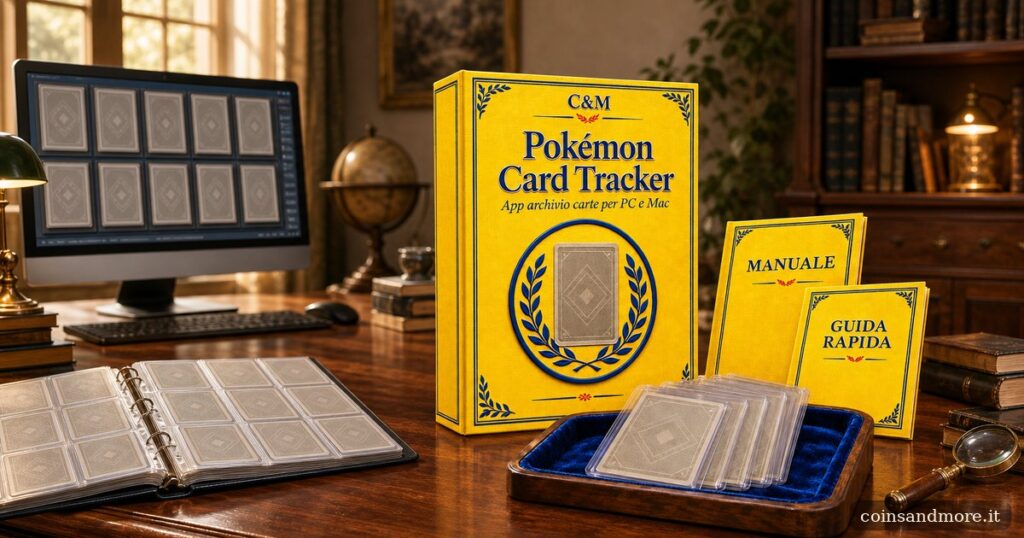
A spreadsheet works as a Pokémon card tracker while your collection is small. Once you own duplicates, several variants of the same card, graded slabs and photos, a spreadsheet turns into dozens of columns that are easy to break. A dedicated tracker keeps every physical copy as its own record, builds a missing-card list for each set and stores photos and grading details. Our C&M Pokémon Card Tracker does this offline on Windows and Mac, with a free 30-day demo.
If you are searching for a Pokémon card tracker, you probably already have the cards: a binder or two, a shoebox of bulk, a few cards in toploaders and maybe a graded slab you are proud of. What you are missing is a clear picture. Which cards do you own twice? Which ones are still missing from the set you are completing? Where is the holo you bought at the last card show, and how much did you pay for it?
Most collectors start with a spreadsheet, and that is a sensible first step. In this guide I explain where a spreadsheet stops being enough, what a good tracker should do for physical cards and how our C&M Pokémon Card Tracker handles it, step by step, with a 50-second video of the real program. At Coins&More we have spent years helping collectors store and display their pieces; this software is the digital side of that same job.
How to track Pokémon cards: spreadsheet or app?
The honest answer depends on the size and the shape of your collection. A spreadsheet is free, flexible and familiar. If you collect one set, own one copy of each card and never trade, a simple sheet with set, number, name and quantity can be all you need.
Things change when the collection grows in different directions at the same time:
- you own duplicates and want to know which copy stays in the binder and which one goes in the trade pile;
- you collect variants (regular, reverse holo, different languages) and need to tell them apart;
- you have graded cards, each with a grading company, a grade and a certificate number;
- you want photos of your own copies, for condition, insurance notes or simply to remember which one is which;
- you want a missing-card list to bring to the next card show.
Each of these needs adds columns, tabs and formulas to a spreadsheet. A dedicated Pokémon card collection tracker has them built in from day one.
Where a Google Sheets collection tracker breaks down
A Pokémon card collection tracker in Google Sheets or Excel usually fails in four predictable places.
1. Duplicates
One row per card works until you own three copies in different conditions. Then you either add a quantity column and lose the details of each copy, or you add one row per copy and your set checklist stops adding up. Either way, preparing a trade list means filtering by hand.
2. Variants
The same card number can exist as a regular print, a reverse holo and in more than one language. In a spreadsheet, variants live in free text (“rev holo”, “RH”, “reverse”) and filters miss half of them. Completing a set “in English, reverse holo included” becomes a manual check.
3. Graded cards
A graded card needs at least three extra fields: grading company, grade and certificate number. Raw cards leave those cells empty, so the sheet fills up with blanks and the columns get wider than your screen.
4. Photos
Spreadsheets are not built for images. Most people end up with a folder of photos named IMG_4031.jpg and a column of file names that stop matching the day a file gets renamed.
None of this means a spreadsheet is useless. It means that past a few hundred cards, you spend more time maintaining the sheet than enjoying the collection.
What the best Pokémon card tracker should do
“What is the best Pokémon card tracker app?” is one of the most common questions collectors ask. Instead of naming a winner, here is a checklist you can use with any program, including ours:
- A searchable card catalog, so you pick the card instead of typing set names and numbers by hand.
- One record per physical copy, with quantity, language, variant and condition.
- Dedicated fields for graded cards: grading company, grade, certificate number.
- Your own photos attached to each copy.
- A missing-card filter by set, ready to print or export.
- Purchase price kept separate from value, so you can see what you spent and what you think the card is worth today.
- Backup and export (CSV, print), so your data never stays locked inside the program.
- Privacy: no forced account, no ads, data on your computer.
Be clear about what you need. Some collectors want a phone app that scans cards with the camera and pulls market prices automatically. Others prefer to enter their own records carefully on a computer and keep everything at home. Our tracker belongs to the second group, and I would rather tell you that now than after you download it.
Spreadsheet vs. card tracker: side by side
| Need | Spreadsheet (Excel / Google Sheets) | C&M Pokémon Card Tracker |
|---|---|---|
| Card catalog | You type every set and number | Text catalog of 37,225 entries in 444 sets (current to November 2026) |
| Duplicates | Extra rows or a quantity column | Each copy has its own record |
| Variants and languages | Free text, easy to mistype | Dedicated fields and set targets |
| Graded cards | Columns you add yourself | Company, grade and certificate fields |
| Photos | Separate folder | Attached to each copy, included in the backup |
| Missing cards | Manual formulas | “Missing” filter by set, language and variant |
| Sealed products | Another tab | Tracked separately |
| Works offline | Excel yes, online sheets need a connection | Yes, after download |
| Cost | Free | One-time payment, free 30-day demo |
How to track Pokémon cards in 7 steps (with video)
Here is the program in action: a real 50-second demo with sample data.
And this is how I suggest you get started, one binder at a time:
- Download the demo and open it. You receive the link by email, with no credit card and no account. Extract the ZIP and open the program in a current version of Chrome or Edge on your Windows PC or Mac.
- Pick a set and your targets. Choose the set you are completing and the languages and variants you collect.
- Search before you add. Look the card up in the catalog and check the set and number of the result against the card in your hand.
- Add the copy. Record quantity, language, variant and condition. Two copies of the same card can have different records: one stays in the binder, the duplicate goes in the trade pile.
- Complete graded cards. Enter grading company, grade and certificate number, then attach your own photos.
- Record price paid and value. The purchase price stays separate; the value is yours to set, with its date and source.
- Print the missing list and back up. Apply the “Missing” filter, print or export the list for the next card show, then save a full backup from Tools and licence.
Already have a spreadsheet? You can prepare a compatible CSV from Excel and import it with field mapping. Try a few rows first and check the preview, so each value lands in the right column.
Pokémon card tracker price: what you pay and what you get
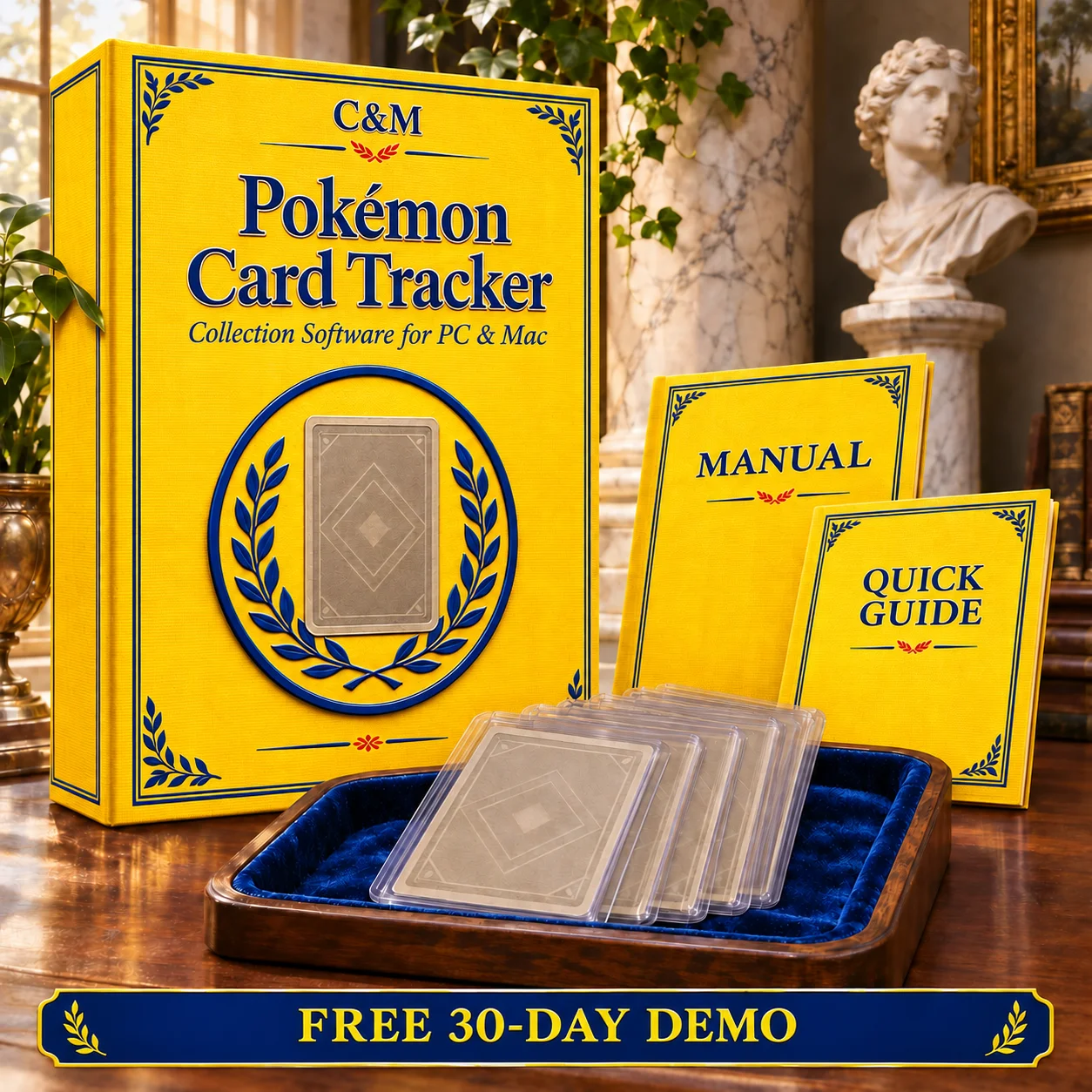
There is no monthly fee: our tracker uses a one-time payment, with two licenses (prices in euros, VAT included):
- Annual – €39.90: 12 months of catalog updates. When they end, the program keeps working with the catalog you already have.
- Lifetime – €79.90, with a launch price of €49.90 until December 31, 2026: catalog updates with no annual expiry.
Both licenses cover up to 3 computers (Windows or Mac) belonging to the same buyer. It is a digital product: you receive the program ZIP, a manual and a quick-start guide in five languages, and after confirmed payment the code for the editions you bought. Nothing ships physically, so there are no shipping costs.
The free demo lasts 30 days from first opening and lets you record up to 150 copies in total across Pokémon, Yu-Gi-Oh! and Lorcana. That is enough to catalog a real binder and decide with your own cards, not with a sales page.
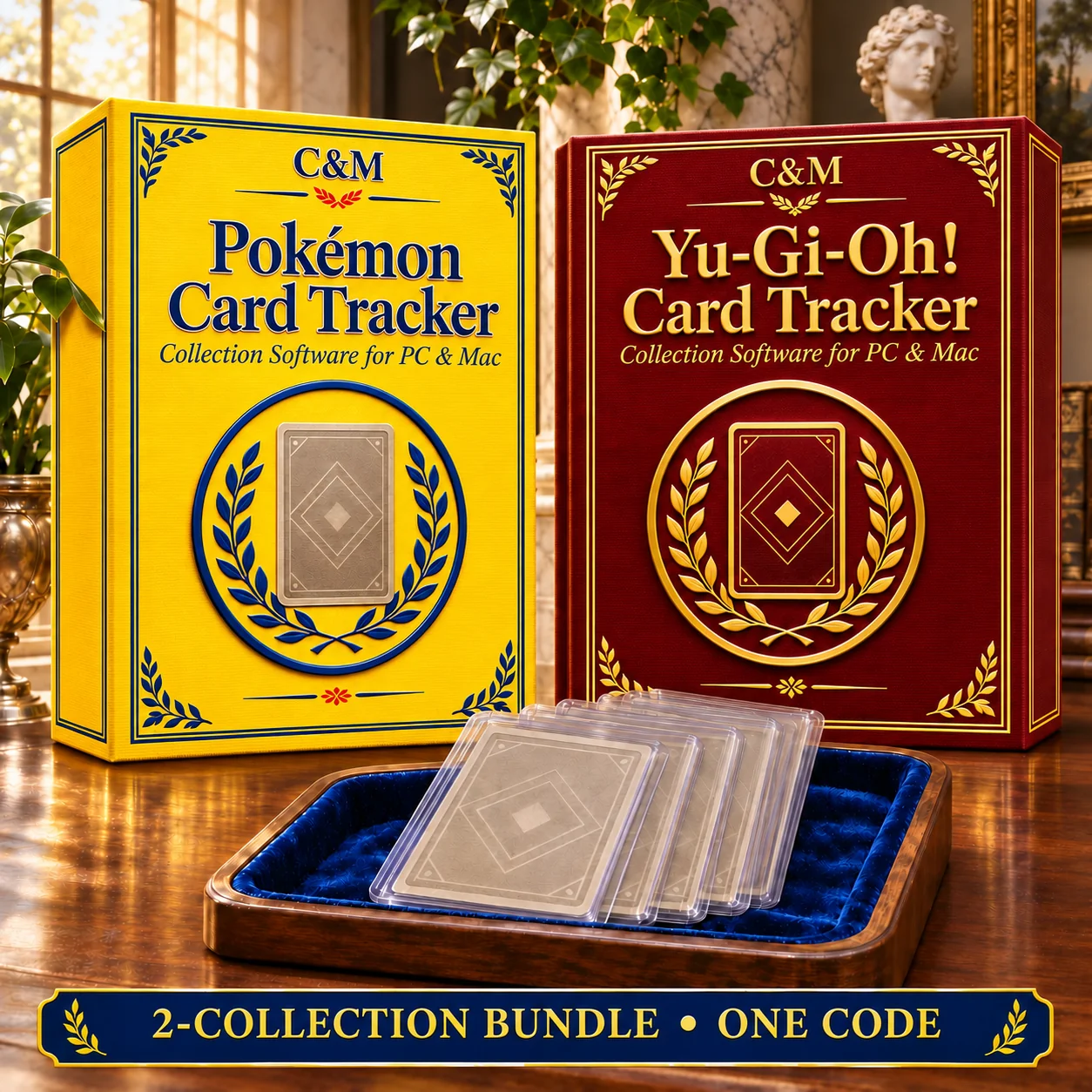
If you also collect Yu-Gi-Oh!, there is a bundle with both games under one code and one backup.
Mistakes to avoid when you catalog your cards
- Trying to catalog everything in one weekend. Start with one binder or one set. Today you record the cards you know; tomorrow you add condition and photos.
- Mixing up purchase price and value. Keep what you paid separate from what you think a card is worth, and write down the date and source of every value.
- Skipping the backup. The collection lives in your computer’s browser. Export a full backup, with photos, before closing a long session and before every update, and keep a dated copy somewhere else, even on a USB drive.
- Treating variants as notes. Language and variant are data, not comments. Record them in their fields or your missing list will be wrong.
- Guessing on inherited collections. Start with the cards you recognize for sure and add a note for the doubtful ones instead of forcing a match.
- Forgetting the physical side. A perfect catalog does not protect a card from sunlight and humidity. Sleeves, toploaders and a good binder still matter.
To show your graded cards dust-free: wood and glass display cases for 1, 8 and 12 graded cards, handmade in Italy, for PSA, CGC, TAG, BGS and SGC slabs.
Frequently asked questions
Is there a free Pokémon card tracker?
Our C&M Pokémon Card Tracker has a free demo: 30 days from first opening and up to 150 copies across Pokémon, Yu-Gi-Oh! and Lorcana. No credit card and no account are needed. After the demo, the full program requires an annual or lifetime license.
What is the best Pokémon card tracker app?
It depends on how you collect. If you want camera scanning and automatic market prices, look for tools designed for that. If you prefer to enter your own records on a computer, offline and without an account, a desktop tracker like ours is a better fit.
Can I use Google Sheets as a Pokémon card collection tracker?
Yes, for small collections. It becomes hard to manage with duplicates, variants, graded cards and photos. If you already have a sheet, you can export it as CSV and import it into the C&M Card Tracker with field mapping.
Does the tracker work offline?
Yes. After the download you can catalog and browse your collection offline on your computer. You need internet only to download the program and updates or to open external links.
Does it work on Mac?
Yes. It runs on Windows and Mac with a current version of Chrome or Edge. Both licenses cover up to 3 computers belonging to the same buyer.
Is there a phone or Android version?
No. The program is designed for a computer, where there is room for detailed records and photos. For a card show, print or export your missing-card list and take it with you.
How much does the Pokémon card tracker cost?
The annual license costs €39.90 and the lifetime license €79.90, with a €49.90 launch price until December 31, 2026. Prices include VAT and are paid once.
What happens after one year with the annual license?
The program keeps working with the catalog you already received. Only the 12 months of included catalog updates end. The lifetime license includes catalog updates with no annual expiry.
How do I track graded cards?
Each graded copy has fields for grading company, grade and certificate number, plus your own photos and notes.
Does the tracker show card prices automatically?
No. You decide the value of each card and record its date and source, while the price you paid stays in a separate field. That way you always know where every number comes from.
Start with one binder, decide with your own cards
A spreadsheet is a fine place to begin. When duplicates, variants, slabs and photos start piling up, a dedicated tracker saves you hours and gives you a missing-card list you can trust. Try the demo on a real binder: in 30 days you will know whether it fits the way you collect. You can see all our collector programs in the Coins&More software section.
→ Download the free 30-day demo of the C&M Pokémon Card Tracker
Read also: How to organize Pokémon cards: by set, number or type.
Independent product, not affiliated with or endorsed by Nintendo, Creatures, GAME FREAK or The Pokémon Company. Trademarks belong to their respective owners.
Coins&More newsletter
Enjoyed this article? Get the next ones by email
News from our workshop, subscriber-only promotions and tips for your collection. Welcome discount voucher, zero spam.
Join the newsletter →