
 EN
 Italiano
 Français
 Deutsch
 Español
No products in the cart.
119,00€
Compralo per primo!
The C&M coin cabinet and slab software bundle combines Locus Privato with Locus Slab, helping you locate coins in drawers and organise certified pieces with records and photographs on your computer.
- ✓ Build your collection drawer inventory by assigning each recorded piece its own physical location.
- ✓ Use coin location search to find the right drawer before opening your cabinet.
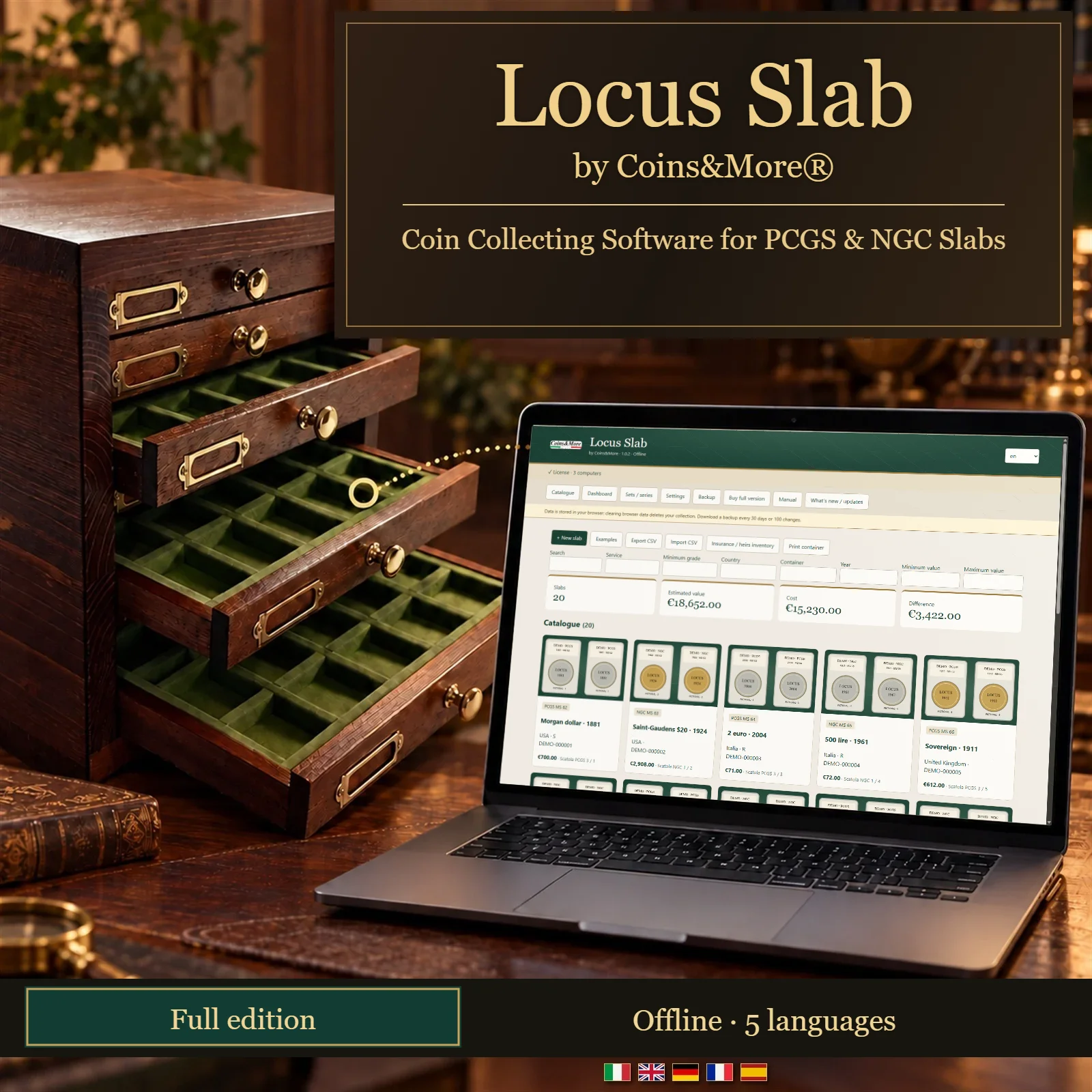
- ✓ Catalogue graded coins with their grading service, certificate number and recorded grade for each example.
- ✓ Prepare a coin inventory PDF to consult your recorded collection details away from home.
- ✓ Save your digital cabinet backup to move your collection records to another computer.
€119.00 including VAT instead of €148.00: Locus Private on 1 device (500 pieces, 3 containers, 1 photo per piece) + lifetime Locus Slab on the same purchaser’s 3 computers.
Digital product: no physical shipping
Find coins in drawers and slab boxes
Is there a bundle for coins in drawers and slabs? Yes: Locus + Locus Slab by Coins&More combines two offline Windows and Mac programs for €119.00 including VAT. You receive Locus Private 1.2.3 and lifetime Locus Slab 1.0.4, with separate licences and archives.
Organise drawers and slabs with one purchase
Locus by Coins&More® – Private Edition (€79.00 on its own): 1 device, up to 500 pieces, 1 photo per piece, up to 3 containers, with values, totals and PDF, on the terms of the Locus Private product page.
Locus Slab by Coins&More – lifetime licence (€69.00 on its own): up to 3 computers belonging to the same buyer, updates with no annual expiry.
Together they cost €119.00 VAT included instead of €148.00. You receive both programs with their licence codes once payment is confirmed.
Bring order to your growing collection
Before Sunday’s coin fair, choose a drawer or box and check that recorded locations match your collection. Update the record when you lend or sell a piece, so you know what belongs where when you return.
Coins&More is an Italian craft workshop making handmade coin cabinets and furniture since 2017. Locus draws on that experience: preset trays simplify setting up our cabinets. You can also use any cabinet, chest, album or box you already own.
Find your first piece in five steps
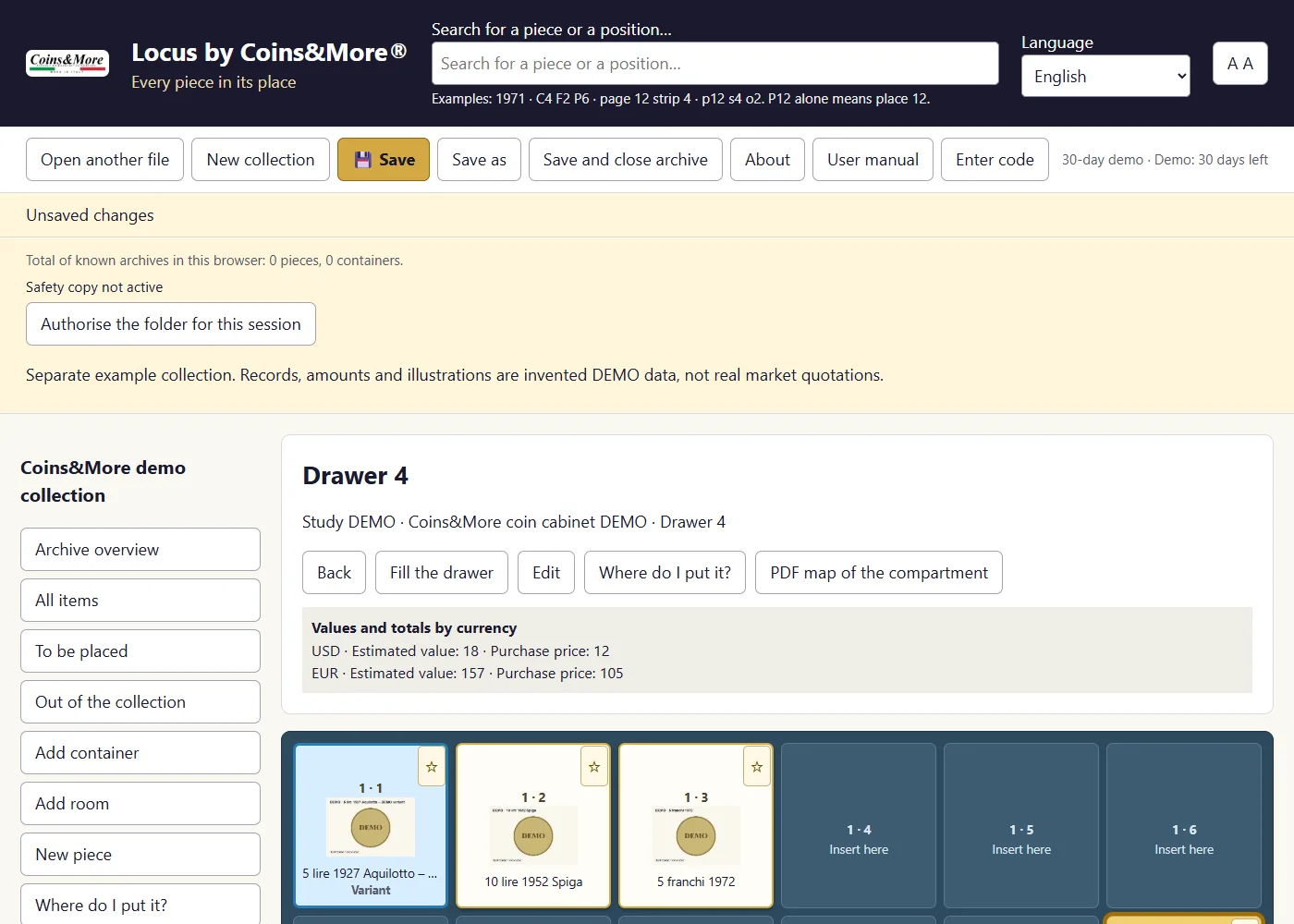
- Open the demo and try “Open example”. Then create your collection and save the file straight away under a recognisable name.
- Add containers and drawers. Set rows and columns, or album pages and slots: the program builds a map from the arrangement you enter yourself.
- Open a slot and enter Title, Year / period and useful details. Add the photos allowed by your edition; complete your records one drawer at a time.
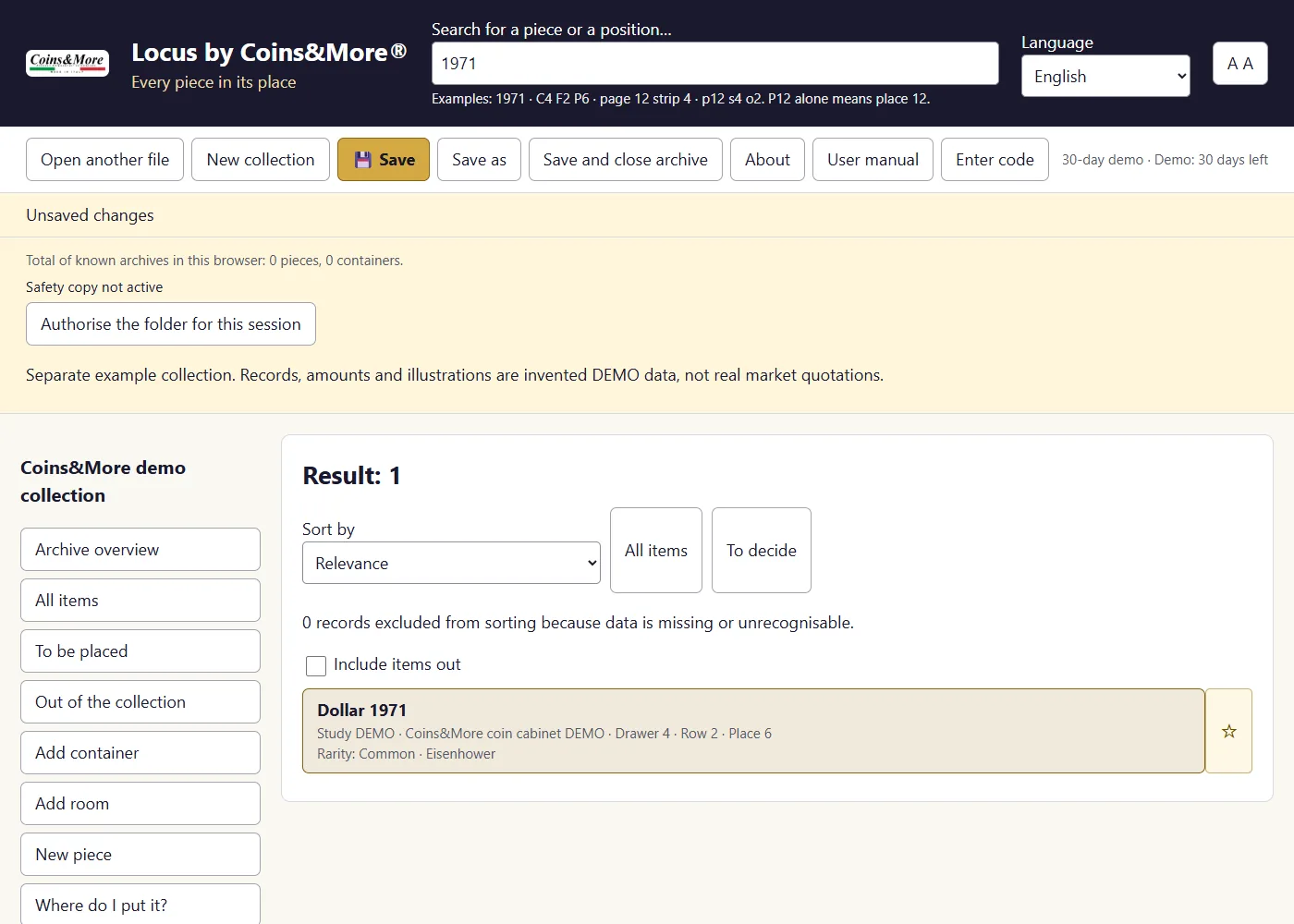
- Search for “1971” and open the result to read cabinet, drawer, row and slot. Record a move or removal when it happens to retain the history.
- Export CSV or print PDF for a readable copy. To protect the complete collection including photos, keep copies of your file on another storage device.
Keep certificates, photos and locations together
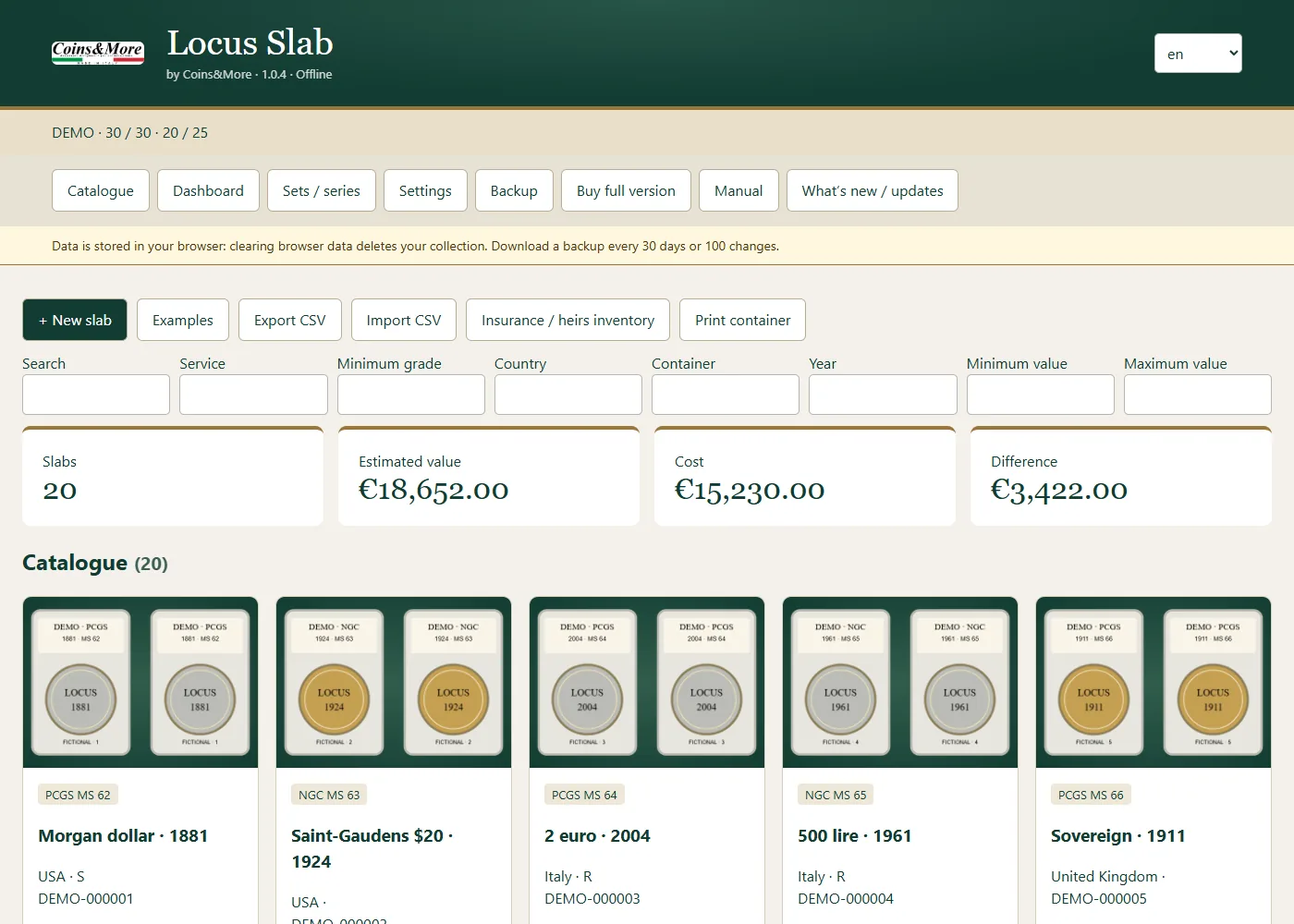
Record the grading service and certificate number, the Sheldon grade from 1 to 70 with prefix (MS, PR/PF, SP, AU, XF, VF…) and designations (RD/RB/BN, DCAM/UCAM, FB/FBL/FS, Plus, Star, Details), CAC sticker, country, denomination, year, mint, variety, metal and weight.
Add photos of the front and back of the slab to each record: the program resizes them automatically to keep the archive light.
Filter by service or container to organise slab boxes. In Sets / series define targets by denomination, year and mint; use the same Series name in your records.
Work comfortably with your data at home
A spreadsheet is flexible and lets you build your own structure. Here you get dedicated fields and ready procedures, search and documents on a large screen. It suits collectors who want to enter and check their information personally. If you prefer camera recognition, automatic prices or daily access on a phone, choose a tool designed around that method.
One-time payment, no subscription; updates within series 1.x included.
The free demo lasts 30 days from first opening and allows up to 25 slabs.
Take your collection to a new computer
Locus keeps your collection in a file you save wherever you choose, including a USB drive. With Chrome and permission to use the folder, it saves every two minutes and keeps the previous version. Check your latest changes before closing. To change computers, copy the program and collection file, then choose “Open another file”, within your licence allowance. A dated copy on another drive also protects photos and movement history.
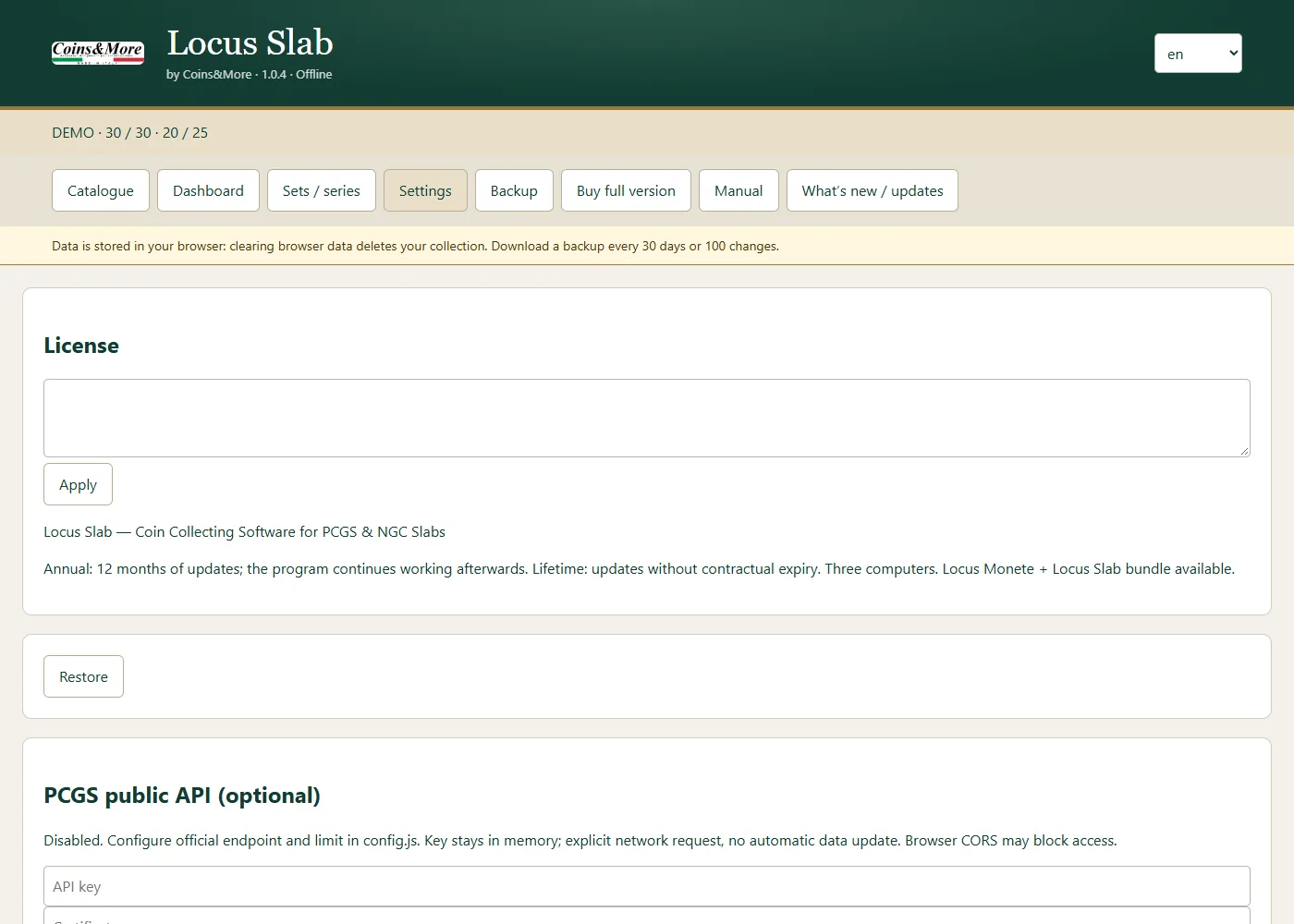
Your Slab collection stays in the browser on your computer. Backup creates a complete file with photos, sets and history: save it wherever you choose, including a USB drive. To change computers, download a current copy and use Restore on the new computer. Save any collection already there first, because restoring replaces it. Make a backup before clearing browser data. CSV exchanges rows; the complete backup transfers your whole collection.
Practical questions before choosing
Are these separate programs and archives?
Yes: you receive both programs with their respective codes. Locus Private maps up to 500 pieces in 3 containers on 1 device; lifetime Slab manages certified coins on 3 computers.
Collection catalogue or cabinet map?
Locus is primarily a physical collection location tracker. Coin Collection Management documents the coin; Locus connects its record to a slot.
Can I migrate coin locations from a spreadsheet?
Yes, with Plus or Business: save as CSV first, use the template and check locations. Create the destination cabinets and slots before importing.
How do I distinguish a free slot from a removed piece?
The map shows free slots; history retains removed pieces, searchable without counting them as present. Record sales and loans rather than deleting the record.
Does the program verify a PCGS or NGC certificate?
Open the grading service’s certificate page from the record with an Internet connection. Compare the details published by the service with the label on your slab.
Can I document a PCGS or NGC collection offline?
Open the grading service’s certificate page from the record with an Internet connection. Compare the details published by the service with the label on your slab.
How do I transfer my slab inventory to a new PC?
Download Backup from the old browser and Restore it on the new one, within the same purchaser’s 3-computer allowance. Your collection lives in the browser: copying the program is not enough.
Does it work on Mac or on a phone?
Yes, it works on Windows and Mac with desktop Chrome or Edge. It is designed for a comfortable large-screen workflow; prepare a PDF to take with you when you want a readable inventory away from home.
Independent product, not affiliated with or endorsed by PCGS, NGC, ANACS, ICG or CAC. The names of these services are trademarks of their respective owners and are mentioned only to indicate compatibility.
Withdrawal, warranty and terms
At checkout you consent to immediate digital delivery after payment and acknowledge loss of the 14-day withdrawal right under Article 59(1)(o) of the Italian Consumer Code, confirmed by order email. Statutory conformity guarantees and consumer rights remain. Full terms and licence appear at checkout, in the email and in the package.
Other Coins&More programs
- Coin Collection Manager — describe coins in dedicated records.
- C&M Pokémon Card Tracker — track owned and missing cards.
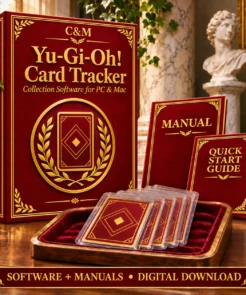
- C&M Yu-Gi-Oh! Card Tracker — track printings and copies.
- Family Legacy File — leave organised information for relatives.
- C&M Disney Lorcana Card Tracker — sets, missing and graded cards of your Lorcana collection
Seller: Coins&More s.r.l.s., Corso Italia, 142, 66020 San Giovanni Teatino (CH), Italy, VAT no. IT02817920693. Support: info@coinsandmore.it. Coins&More® is a registered trademark. © 2026 Coins&More s.r.l.s. All rights reserved.
🎁 Try Locus free for 30 days
No credit card and no account: you get the link by email.
Only logged in customers who have purchased this product may leave a review.
Related products

Sale!
Price range: 39,90€ through 49,90€
This product has multiple variants. The options may be chosen on the product page Sale!
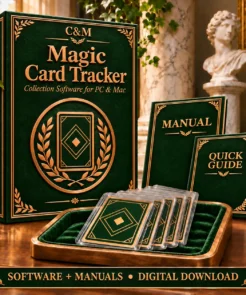
Price range: 39,90€ through 49,90€
This product has multiple variants. The options may be chosen on the product page 
Sale!
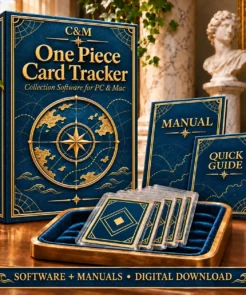
Price range: 39,90€ through 49,90€
This product has multiple variants. The options may be chosen on the product page Sale!
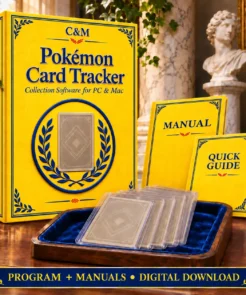
Price range: 39,90€ through 49,90€
This product has multiple variants. The options may be chosen on the product page
Reviews
There are no reviews yet.